1
Pick your first agent
Temperate asks: “Pick your first agent. It asks before it changes anything.” Tap one of the agents, such as Meeting notes to tasks, or type in your own words what you want off your plate. Temperate picks the agent that fits your words, or the first one when none fits.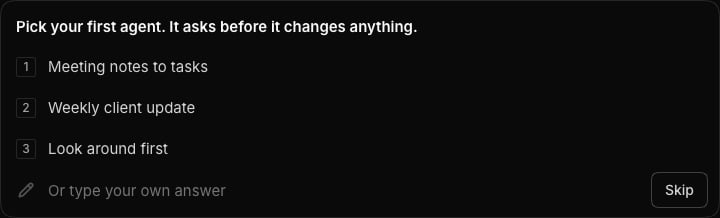
2
Check the plan and give it your notes
Temperate shows what the agent does, step by step. Select Change the instructions to change them first.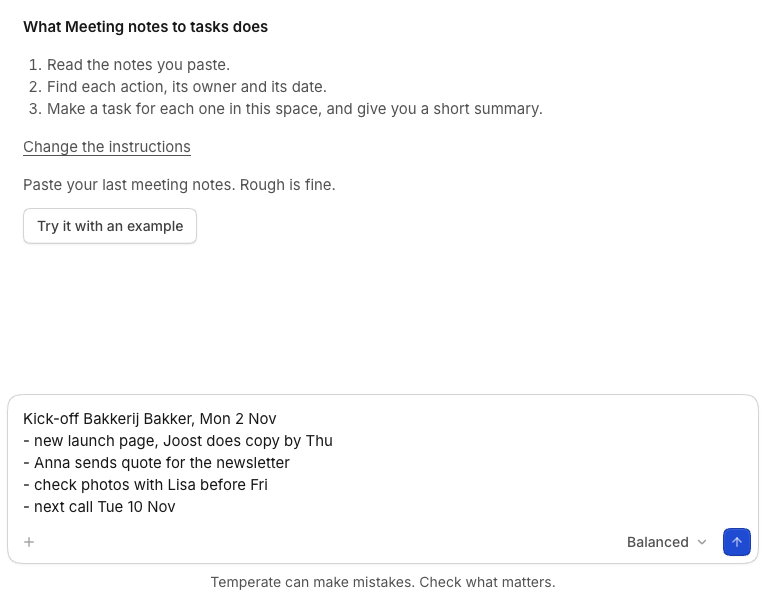
3
See the result
The agent works in a chat of its own. For meeting notes, it makes a task for each action, with its date, and gives it to the person the notes name. It ends with a short summary of what it did and what you should check, such as a task that has no owner yet.
4
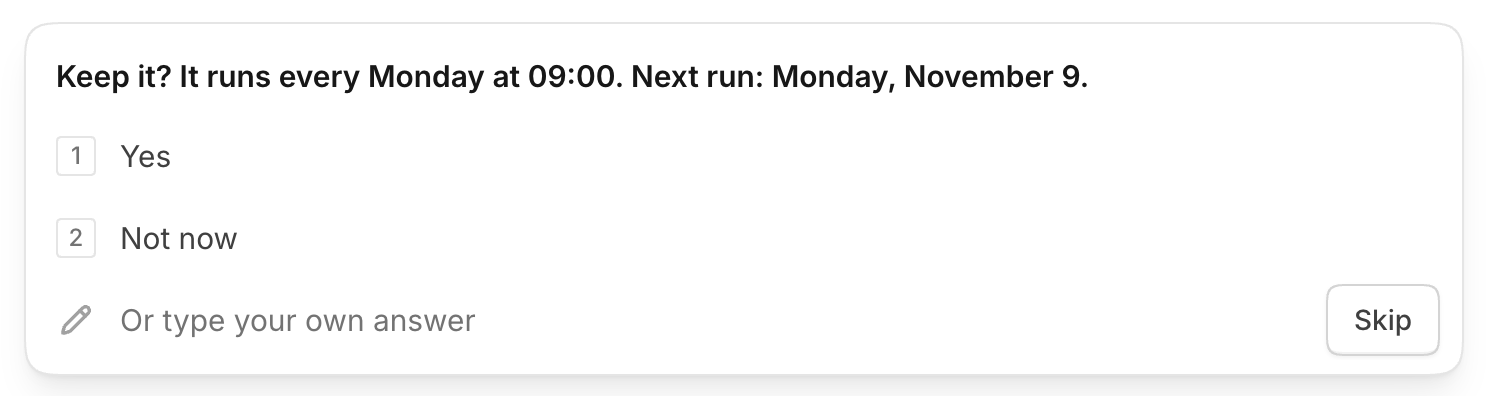
Keep it
When the agent is done, Temperate asks whether to keep it. Select Yes and the agent runs by itself every Monday at 09:00. Select Not now to set a time later on its page.