

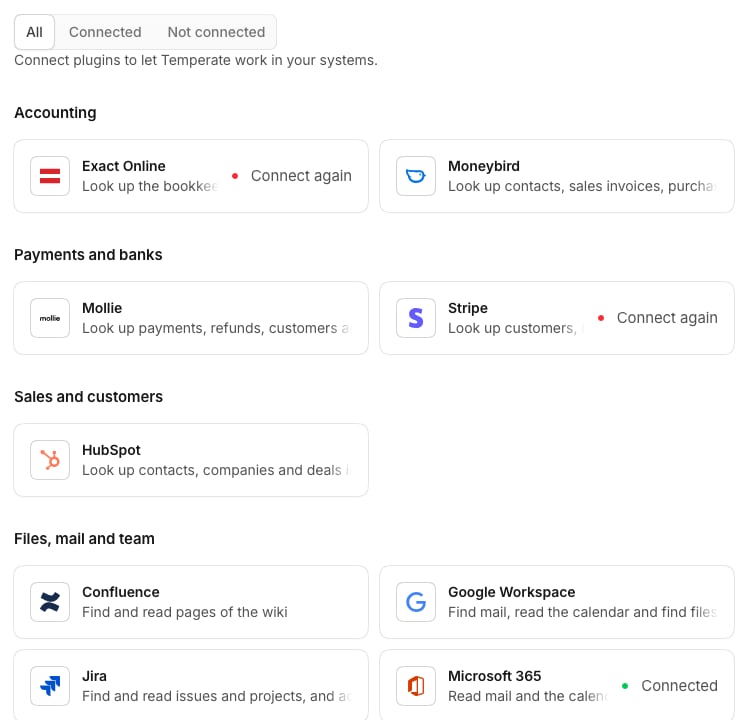
The plugins
Accounting
Exact Online
Look up the bookkeeping: relations, open items, sales invoices, ledger accounts and entries.
Moneybird
Look up contacts, sales invoices, purchase invoices and bank transactions in the bookkeeping, and send an invoice.
Payments and banks
Mollie
Look up payments, refunds, customers and settlements, and refund a payment.
Stripe
Look up customers, invoices, payments, subscriptions, payouts and disputes.
Sales and customers
HubSpot
Look up contacts, companies and deals in the CRM, and move a deal.
Files, mail and team
Confluence
Find and read pages of the wiki.
Google Workspace
Find mail, read the calendar and find files in Drive.
Jira
Find and read issues and projects, and add a comment to an issue.
Microsoft 365
Read mail and the calendar, find files in OneDrive and SharePoint, and send a mail.
Notion
Find and read pages and databases, and add text to a page.
Slack
Read channels and threads, find people, and post a message.
Next
Connect a plugin
How to connect a system, and who can use it.