

Create an image
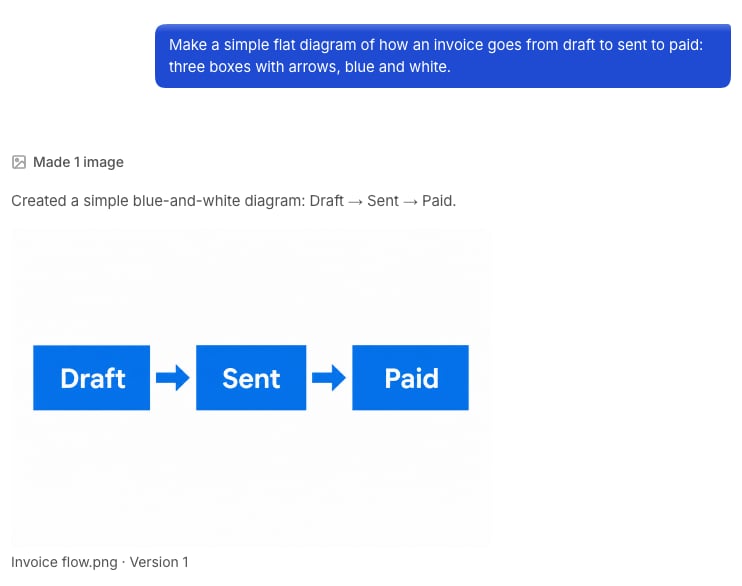
Describe what it should show: the subject, the style, the colours, and any words on it. You can also select the plus in the field, then Make an image.- “Make a simple diagram of how an invoice goes from draft to paid, in blue and white.”
- “Make a header image for the October newsletter, with autumn colours.”
Change an image
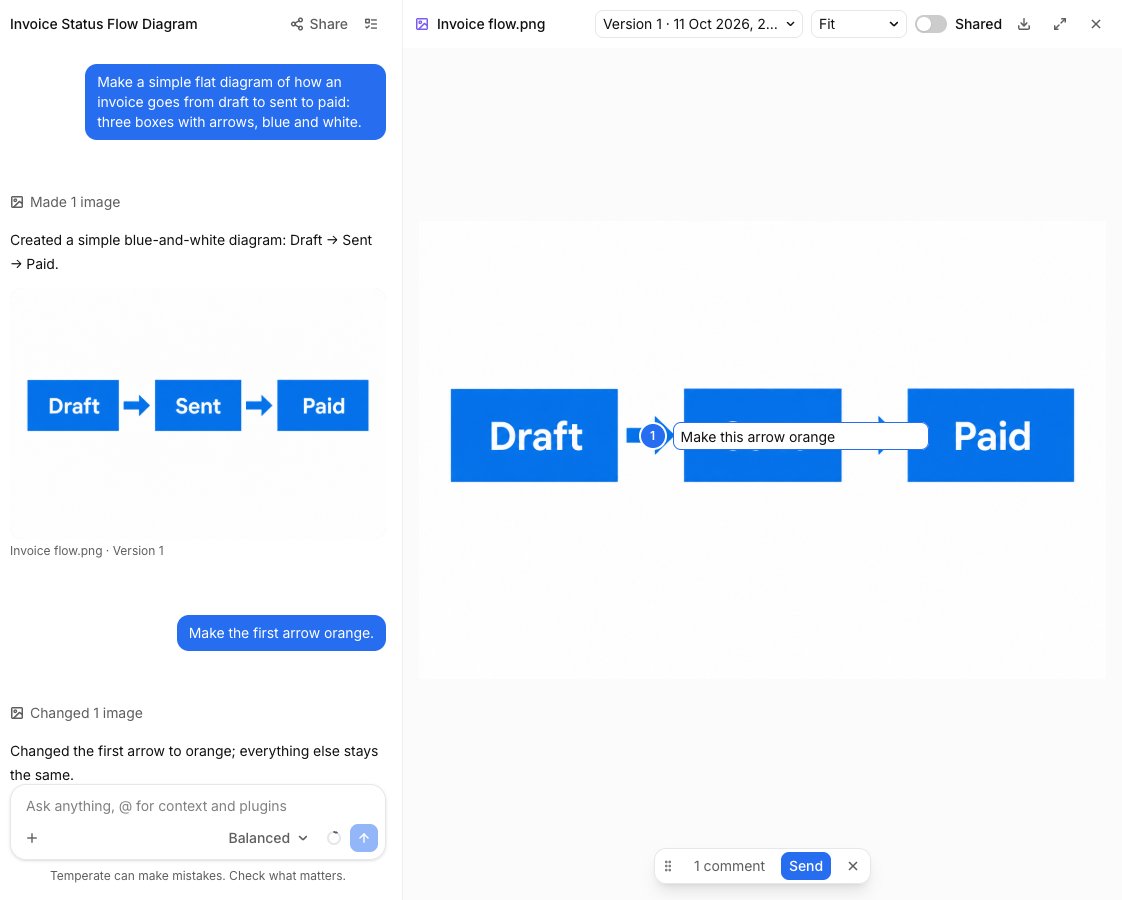
Say what should be different, and the rest stays the same.- “Make the first arrow orange.”
- “Remove the background.”
Point at what to change
1
Open the image beside the chat
Select the image, then select Comment.
2
Comment on the spot
Select the place on the image, and write what should change.
3
Send
Add as many comments as you need, then select Send.
Other tools
To zoom, use your mouse wheel or trackpad.