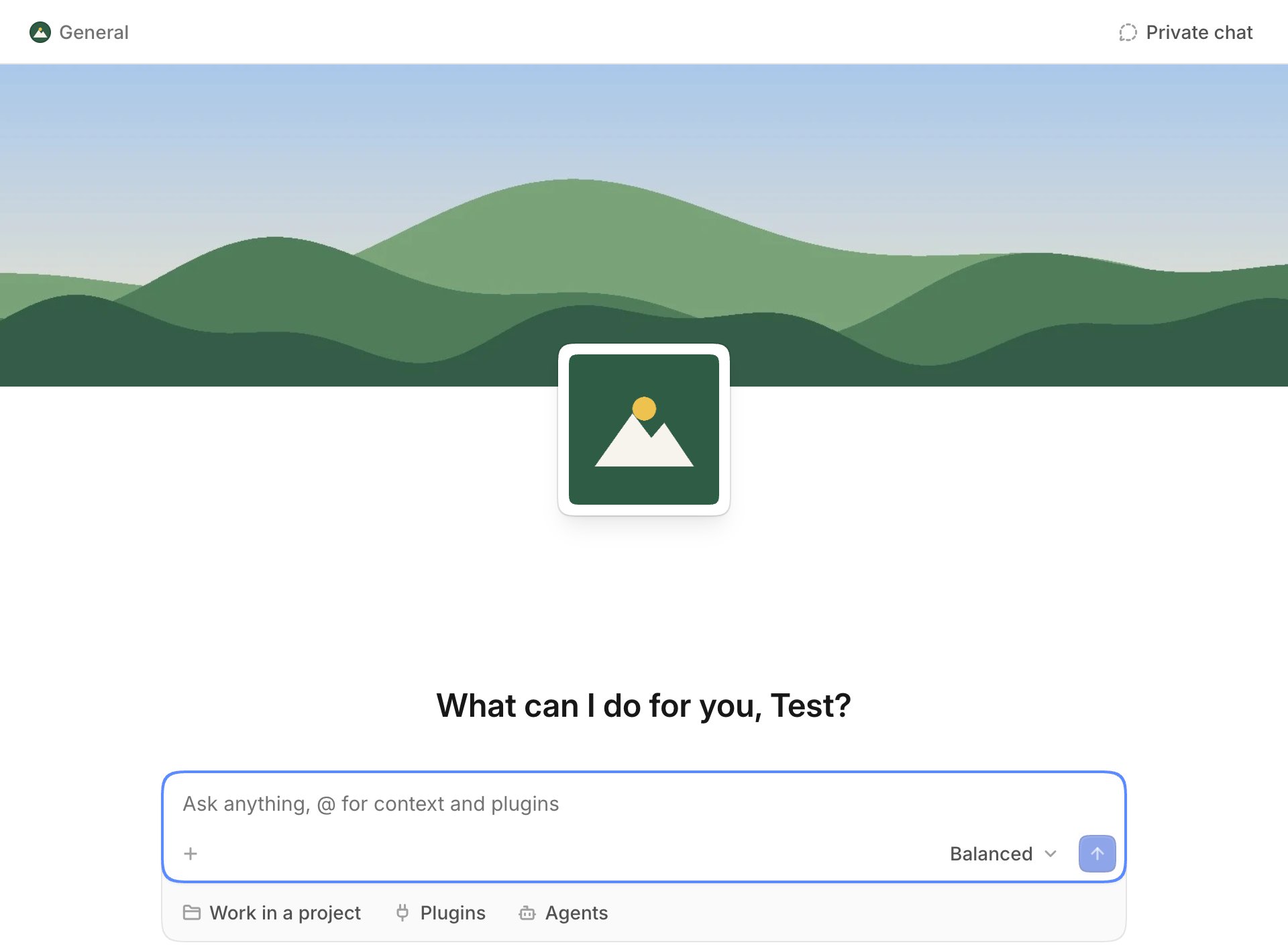
Give a space its own look: a wide background and a logo at the top of its new chat page, on the web and in the app.
The new chat page of a space: a wide background under the top bar, a logo over its lower edge, and the greeting and the chat box under them

Change them

Open Settings, then Space under the name of the space. You need the permission Manage the space, and you change them on the web.
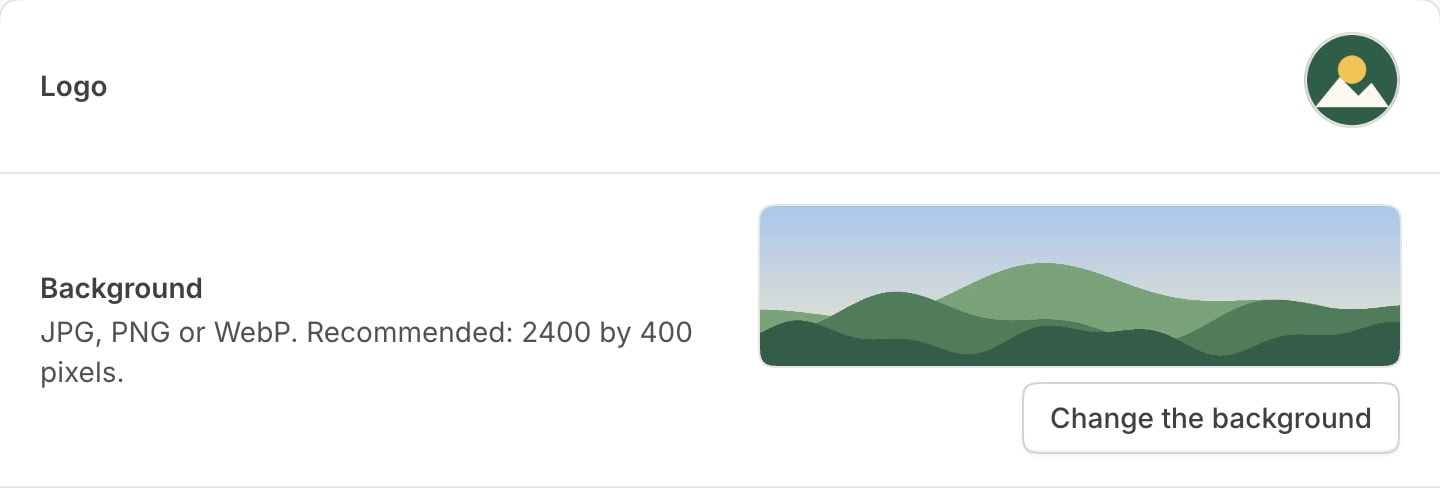
  • Logo: the small image. Choose one that fits in a square.
  • Background: the wide image. Select Upload a background, or Change the background to replace or remove it.
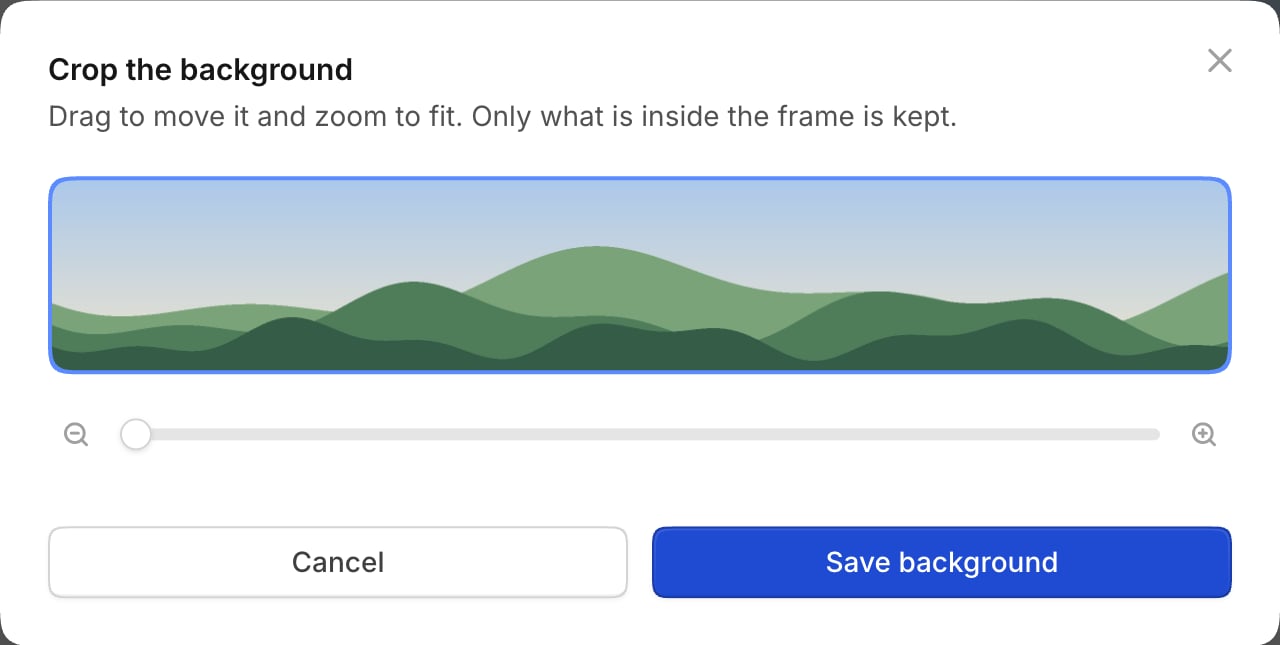
After you choose a file, drag it into place, zoom to fit, and save.
The rows Logo and Background of the settings of a space: the logo, a preview of the background and the button Change the background
The dialog Crop the background: the image in a wide frame, a zoom slider, and the buttons Cancel and Save background

Choose a good background

Use a JPG, PNG or WebP of about 2400 by 400 pixels. On a phone the sides fall off, so keep what matters in the middle. The same image shows in light and dark mode.

With only one of them

Without a background, the logo shows alone above the greeting. Without a logo, the background shows alone. Anyone with the link to these images can see them, so use nothing confidential.