

Spaces
A space holds the work of one team, client or project: its chats, agents, knowledge, tasks and memory. People only see the spaces they’re in. Owners and Admins can enter every space. To create a space, open Settings, then Spaces, and select New space. You need the permission Create spaces. To switch space, select the space name at the start of a page title.Roles
A role decides what someone can do. Everyone has one role in the organization, and one in each space they’re in.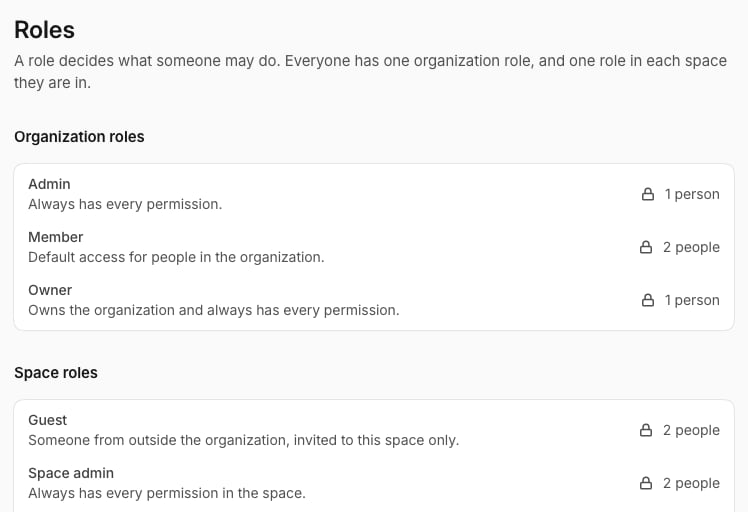
Create your own role
1
Start a role
Open Settings, then Roles, and select New role. Give it a name and choose what it applies to: The organization, A space or Guests of a space.
2
Pick its permissions
Tick what the role can do.