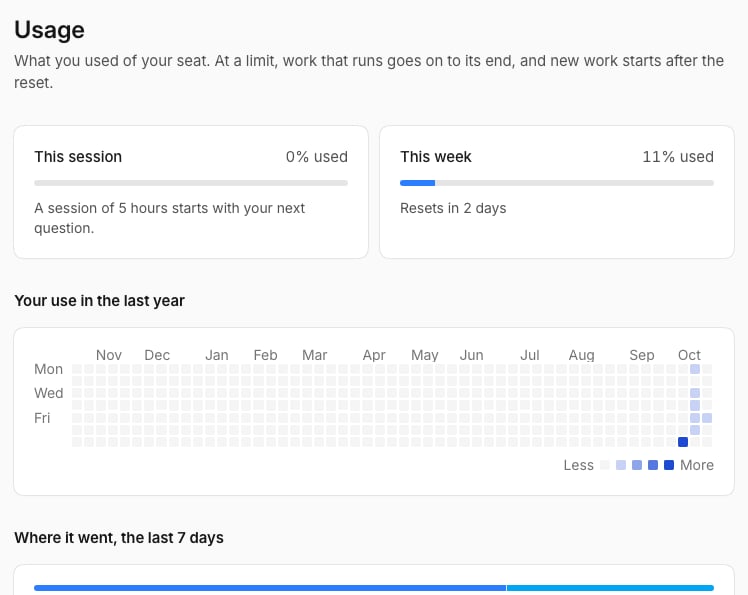
Your seat includes usage, and its level sets your limits. To see what you’ve used, open the menu at your picture and select Usage.
The Usage page
The page shows your current 5-hour session, your week, and where your usage went.

At a limit

Work that’s running still finishes. New work starts after the reset, and the page says when. Temperate tells you in the chat when you reach 80%.

What uses more

A higher effort, long chats, large files, and agents that run often use more. Triggers use less.