

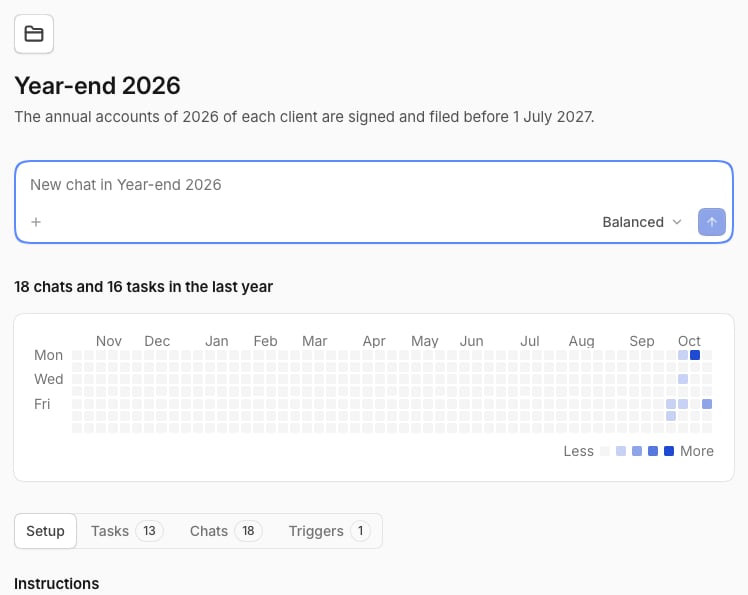
Create a project
1
Start
In the sidebar, select the plus beside Projects, then New project.
2
Name it
Fill in Name, and choose who sees it: Only you or everyone in the space.
3
Add a goal
Optionally, write one line about what the project is for, such as “File each client’s annual accounts before 1 July”. Then select Create project.
Work in a project
To start a chat, use the field on the project page, or pick the project under Work in a project in a new chat.