

1
Create your account
Open Temperate and pick the region where your organization must live. Then fill in Name, Email and Password, and select Create account.Then open the link Temperate emails you.
2
Name your organization
Fill in Organization name and select Continue. Temperate creates your first space, General.
3
Ask your first question
Select New chat in the sidebar. Type a question in the field and press Enter.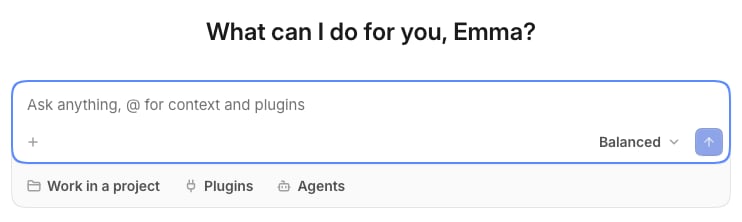
4
Connect a system
Open Plugins in the rail, select a system you use, then select Connect and approve Temperate there.Now ask about your own data: “Which invoices are still open, and who owes the most?”
5
Invite a colleague
Open the menu at your picture, select Settings, then Members. Fill in the Email of a colleague, pick a Role and the spaces they start in, and select Send invitation.
What to read next
Start a chat
Projects, plugins, effort and private chats.
Questions and approvals
When Temperate asks you first, and what your answers mean.