An agent does one kind of work by your instructions, in the systems you give it.

Create an agent

In the sidebar, select the plus beside Agents, then New agent.
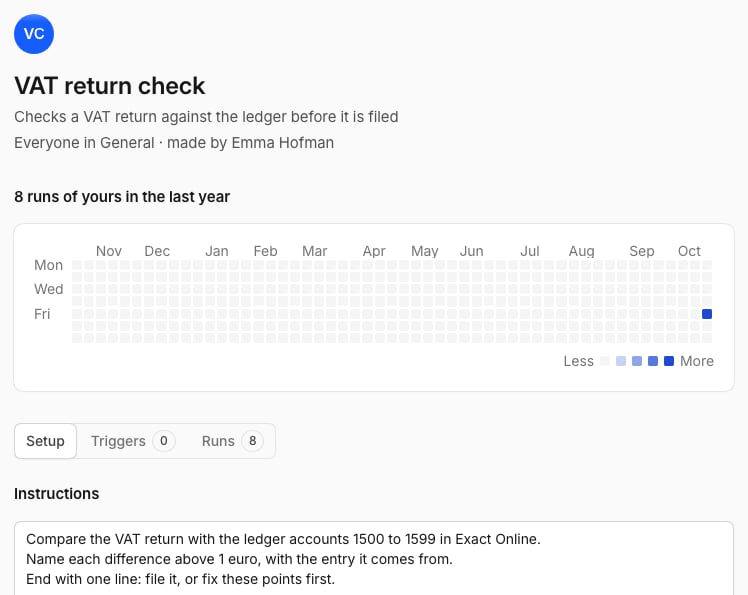
The page of an agent: its name, its runs of the last year by day, and the tabs Setup, Triggers and Runs
Then select Create agent. Sharing with a space or the organization needs permission to manage it.

Run an agent

  • From its page: select Run.
  • In a chat: type @ and pick the agent.
  • By itself: give it a trigger.
  • On a task: make it the owner of a task.
Each run opens as a chat of yours with every step and the result, and counts towards your usage.

Change an agent

Open its page. Setup has the instructions, the plugins, and what it may do Without asking. Triggers shows what starts it, and Runs shows its earlier work. An agent asks you before every change in a system. See Questions and approvals.

Pause or delete

Select Pause to stop an agent for now, or open the menu at the top and select Delete agent. The chats of its earlier runs stay.